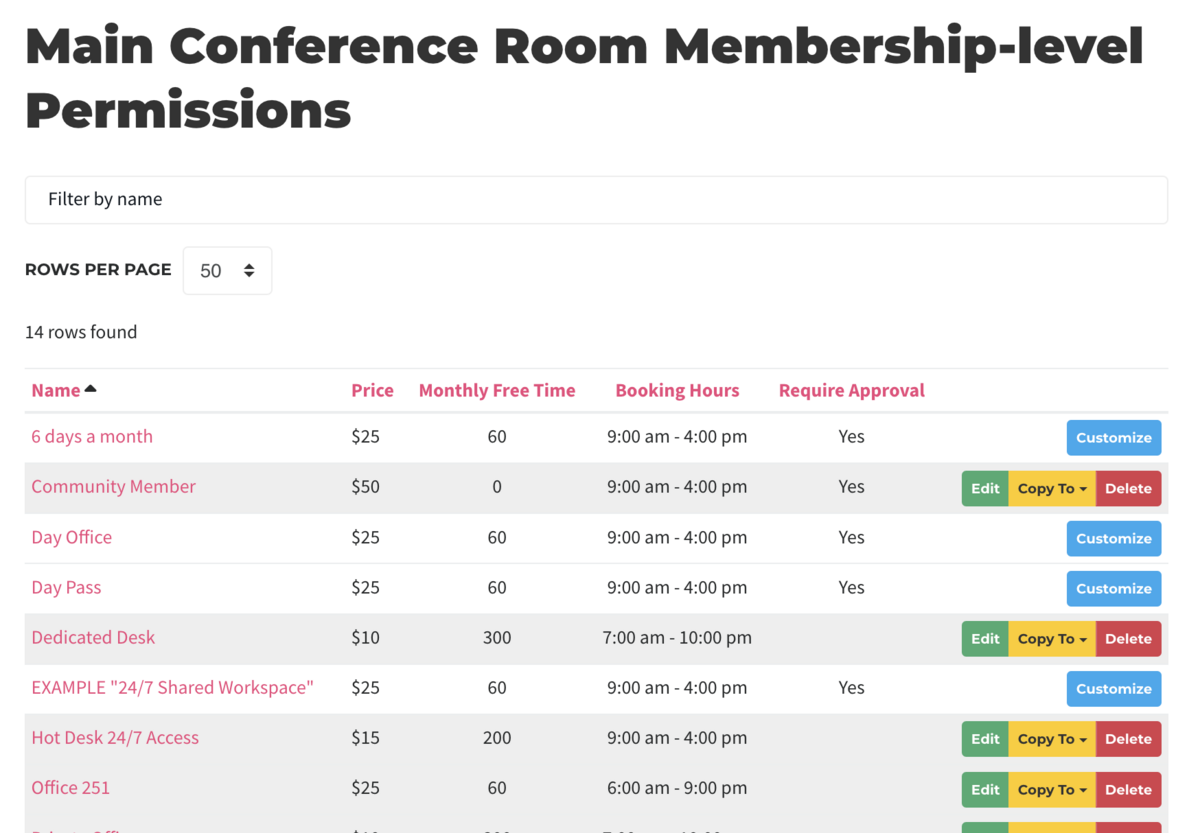
Membership-level Permissions & Parameters
This document applies to: Coworking
Membership-level permissions allow you to customize reservation parameters based on the type of membership a user is on. You can apply this to any and all resources if you wish. Want to learn more or pool Free Time by category? See Reservable Resource Free Time
To customize resources by membership type, start by going to Manage Reservations > Reservable Resources
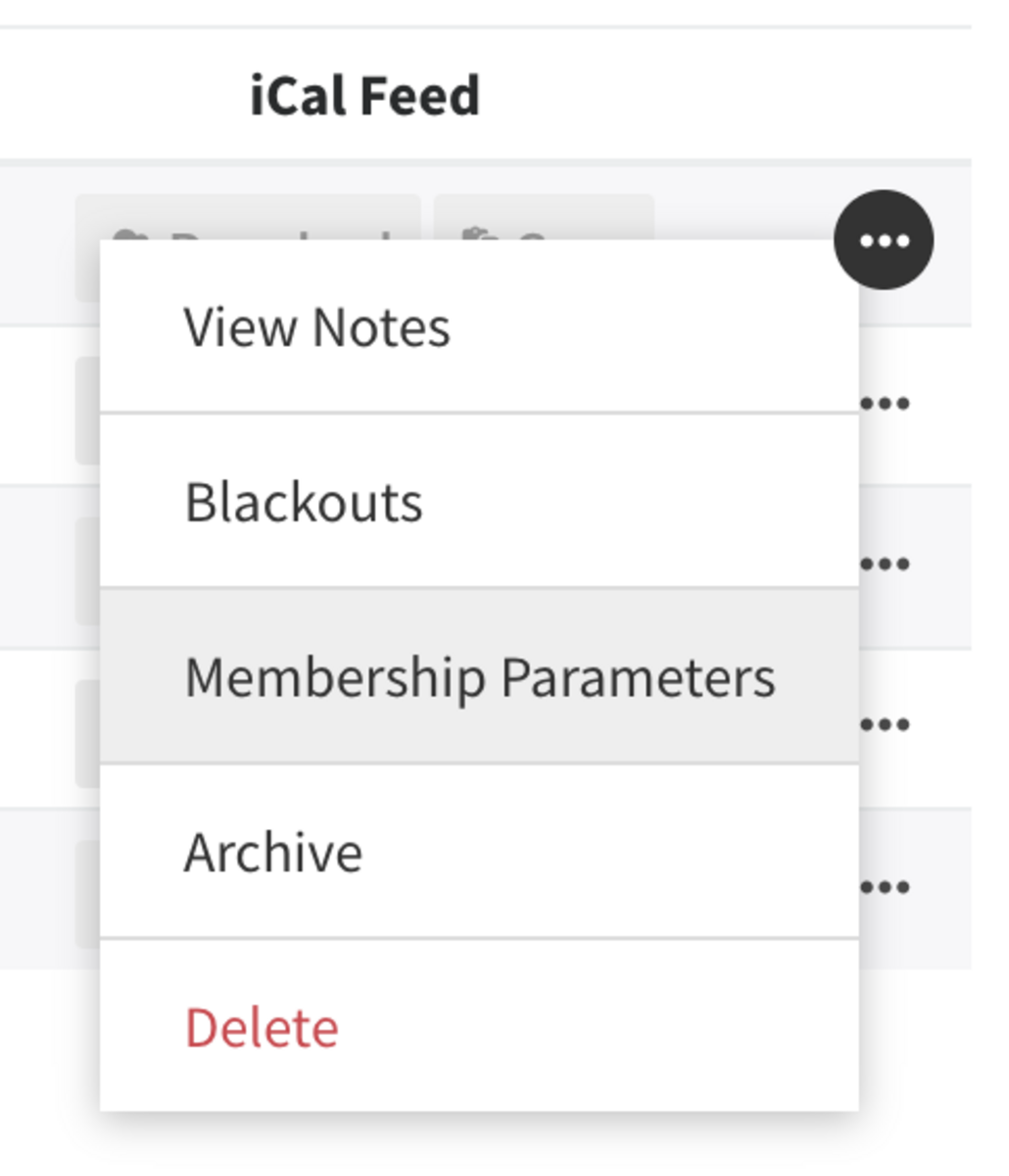
- Under the resource you wish to edit, find the ... button and select Member Parameters in the drop-down.
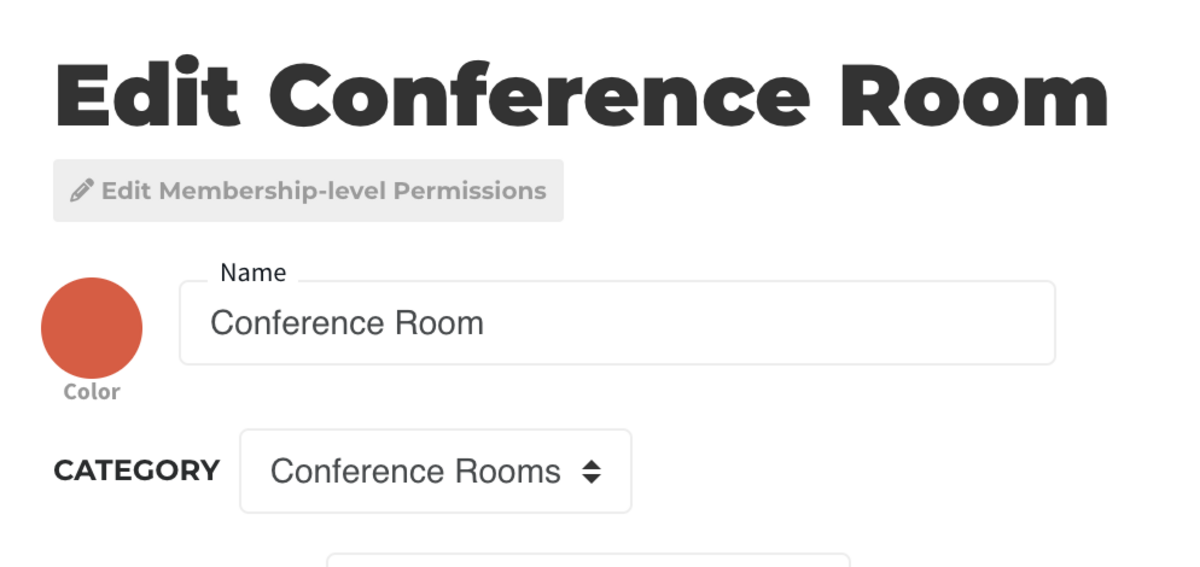
- You can also access this page by first clicking on the resource you wish to edit, and then selecting Edit Membership-level Permissions at the top
Default parameters will be inherited from the resource edit page. If, at any time, you Customize a membership's permission, it will stop inheriting the default permissions. To undo this, simply hit delete.